 01 / 5 SEC SAMPLE
FANTASY / SLOW PUSH-IN
Moonlit fantasy
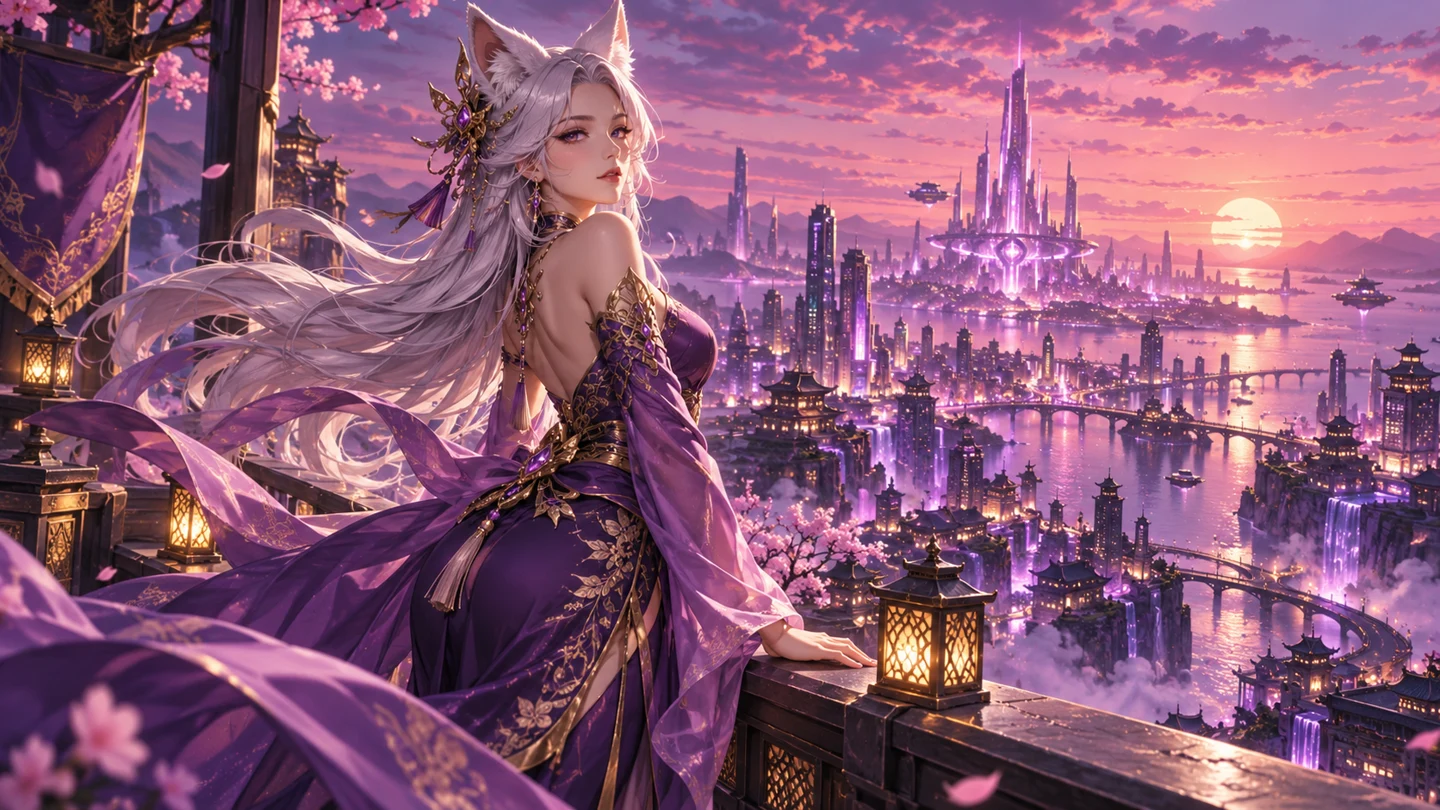
An adult fox-spirit heroine watches the city from a rooftop. Describe the character, the violet skyline and one gentle movement to build a scene with a clear visual center.
MAKE THE SCENE YOURS
Choose a starting point, describe the moment and set the format. The composer keeps your important decisions together, so the creative direction stays clear.
One clear idea can become
a scene worth returning to.
Preparing your scene brief...
0%THREE WORLDS. YOUR OWN DIRECTION.
Explore the kind of scenes you can plan with hentaifox. Each example includes a starting prompt, so you can spend less time facing a blank box and more time finding your scene.
01 / 5 SEC SAMPLEAn adult fox-spirit heroine watches the city from a rooftop. Describe the character, the violet skyline and one gentle movement to build a scene with a clear visual center.
 02 / 5 SEC SAMPLE
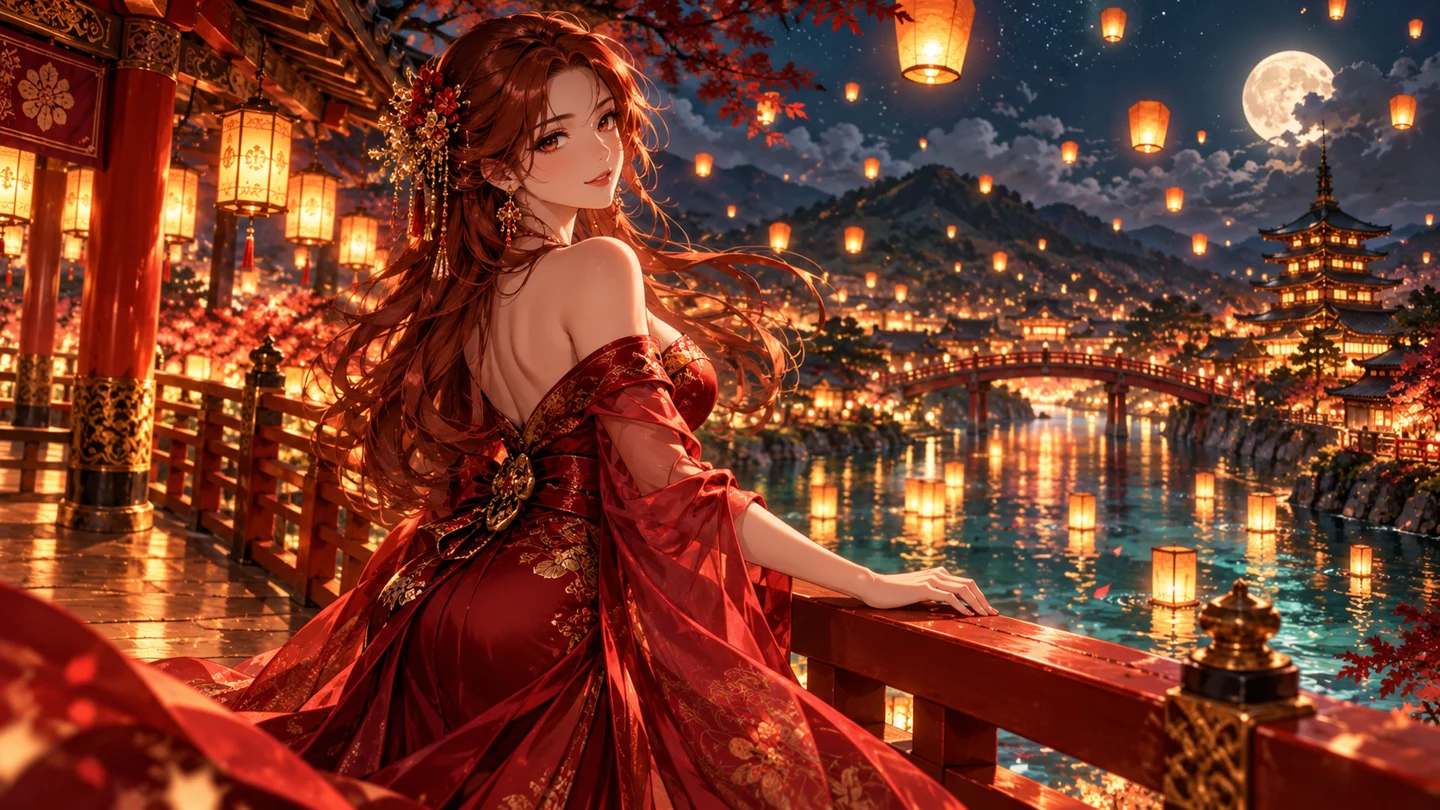
Warm lanterns and an emerald river establish the mood before a character makes a subtle turn. A focused prompt gives the frame room to breathe instead of asking for several unrelated actions.
 03 / 5 SEC SAMPLE
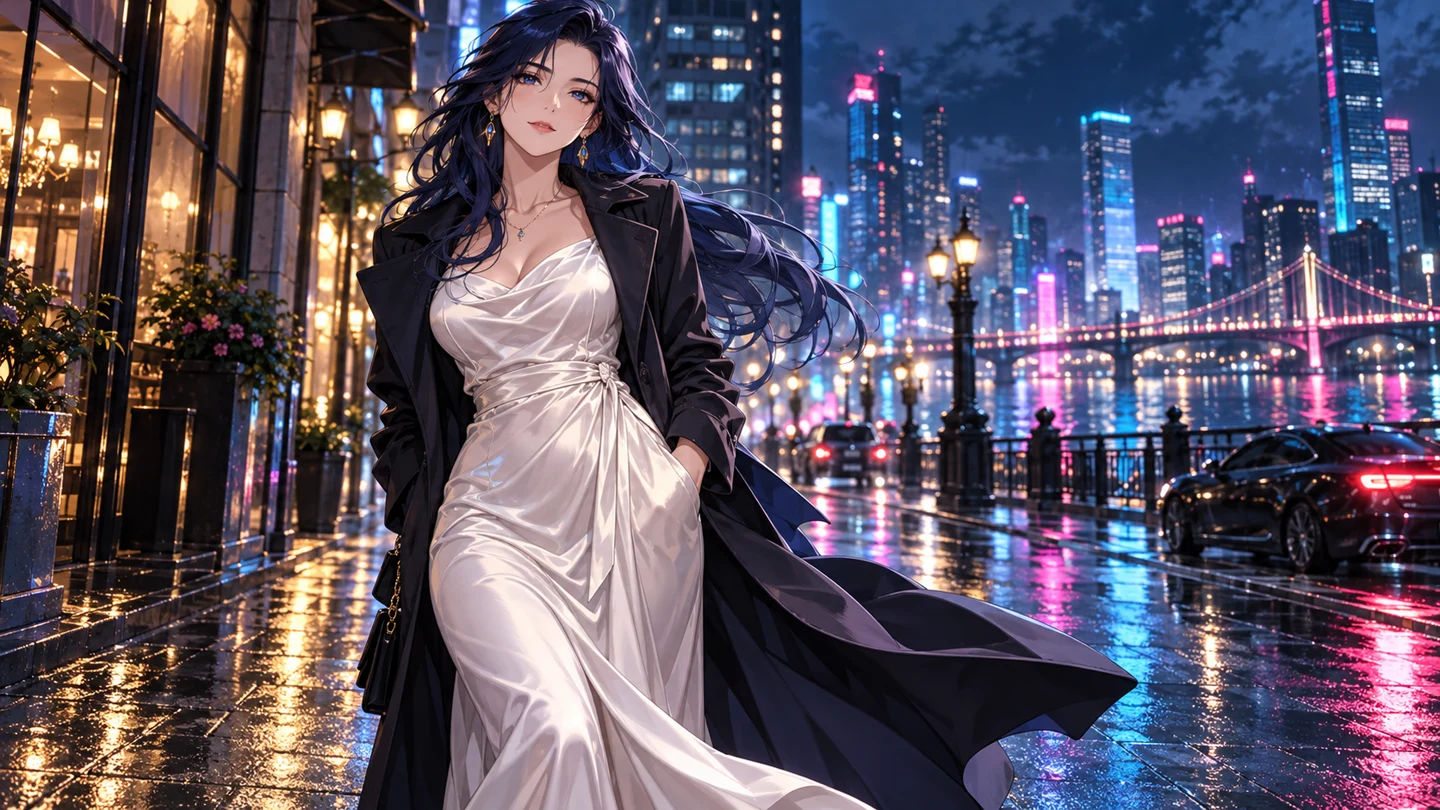
A long coat, rain-slick pavement and electric reflections create an entirely different world. Keep the movement restrained and let the environment carry the atmosphere.
Prepared motion previews illustrate the visual direction. All sample videos are 5 seconds at 720p; they are not live AI-generated results.
TEXT TO VIDEO / HENTAIFOXTEXT TO VIDEO
You do not need a finished illustration to get started. Describe an adult character, a setting, the lighting and a single action. Add a camera direction such as a slow push-in or a gentle tracking shot. hentaifox brings those creative decisions together in one scene brief, with your duration and resolution visible before you begin.
IMAGE TO VIDEO / HENTAIFOXIMAGE TO VIDEO
Begin with a character image when the visual direction matters more than a fresh starting point. Use the reference to establish the look, then describe what should change: a turn toward the light, fabric moving in the breeze, or a camera drifting closer. A precise motion prompt is easier to develop than a list of competing actions.
SHORT SCENES. MANY POSSIBILITIES.
Anime video is useful long before a finished story exists. Use a short scene to test an atmosphere, introduce a character or decide which visual direction deserves another take.
Introduce an original adult character with a glance, a small gesture or a turn toward the light. Keep the frame simple so the character's expression and silhouette carry the idea.
Use moving lanterns, soft rain, wind or distant city lights to explore the atmosphere of a place. A concise loop can help you choose a palette before developing a larger visual story.
Keep the character and setting consistent while changing the time of day, camera direction or movement. Compare creative choices in your saved briefs instead of rewriting everything at once.
FROM FIRST THOUGHT TO NEXT FRAME
Write an original scene or upload a reference image. Decide whether you are discovering the look from words or extending an image you already have. Either way, begin with a clear subject and a setting.
Add one action, a camera direction and an atmosphere. Choose between 5 and 12 seconds, then select 720p or 1080p. Estimated credits update as the scene changes so the format decision stays visible.
Save the scene brief, review the preview and return to the details that matter. Decide which parts of the composition deserve to stay and which one change would make the next variation stronger.
KNOW YOUR CANVAS
hentaifox is built around short-form anime scenes. Choose a format that gives your idea enough room without turning one shot into an entire story.
Start at five seconds for a focused character expression or a simple loop. Use additional seconds when a camera movement or changing atmosphere needs a little more space.
720p is the baseline used for credit planning. Select up to 1080p when your intended output calls for a higher-resolution frame, while checking the corresponding credit estimate.
Plan a short pause between creative decisions. This target range helps you understand the intended workflow; processing time can vary with the queue and selected format.
ROOM FOR YOUR NEXT IDEA
The Anime Creator plan keeps the budget simple: one monthly price, one credit allowance and a clear baseline for a short 720p scene. Plan a set of character studies, leave room for a new direction, and check the estimate before choosing a longer or higher-resolution format.
Fifteen 5-second 720p scenes fit into the monthly allowance. A longer scene or a 1080p selection uses more credits, so the available scene count depends on the mix of formats you choose.
450 credits included each month
A BETTER PROMPT STARTS WITH LESS NOISE
A useful scene brief tells you what to look at and what changes. Make the visual description specific, keep the action manageable and avoid combining a full sequence into one short clip. You can always develop the next moment as another scene.
Character: an adult fox-spirit heroine in a violet gown
Setting: a futuristic rooftop at twilight
Movement: silver hair in a gentle breeze
Camera: a slow cinematic push-in
BEFORE YOUR FIRST SCENE
From input modes to your monthly budget, here is how the hentaifox creation workflow fits together.
hentaifox is an anime-focused AI video creation experience for short character scenes, atmosphere studies and visual story ideas. Start from words or a reference image, then shape the action and camera. This interactive preview uses prepared films while the live generation engine is not connected.
Yes. Text-to-video starts from a written description. Include an adult character, the environment, the lighting and a single action, then add a camera direction. Use an example prompt as a starting point and replace the details that define your own world.
Upload a JPG, PNG or WebP character illustration, then describe the movement around that reference. A small gesture, fabric moving in the breeze or a slow camera move gives the shot a clear direction. Your reference establishes a starting look rather than a complete sequence.
Choose clips from 5 to 12 seconds, with a maximum resolution of 1080p. A 5-second 720p scene is the baseline for credit planning. Use a short scene for a focused expression or loop, and allow more time when the movement needs space.
Anime Creator is $17.90 per month and includes 450 credits. At 30 credits per 5-second 720p scene, that covers 15 baseline scenes. Longer scenes and higher-resolution selections use a higher estimated amount, so compare settings before beginning a variation.
The generation-time target is 75–130 seconds. Live processing can depend on queue conditions and selected settings. Prepare another prompt or compare saved scene briefs while waiting, rather than trying to change several creative decisions during one take.
No. Gallery videos and completed previews use prepared 5-second 720p motion samples made from original artwork. Your prompt and settings are saved as a scene brief locally. No credits are charged and uploaded references remain in your browser in this preview.
Separate the character from the setting, then choose one primary movement and one camera move. Avoid asking five seconds to cover several locations or a long sequence of actions. Save your favorite brief and change one detail at a time when comparing ideas.
THAT SCENE YOU KEEP IMAGINING?
Start with a few words, a character image, or a completely new world.
The next decision is yours.